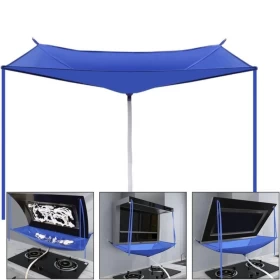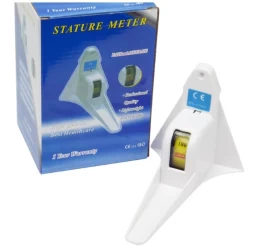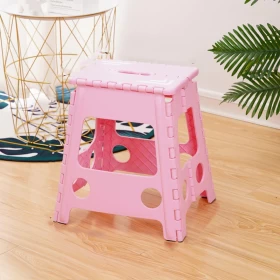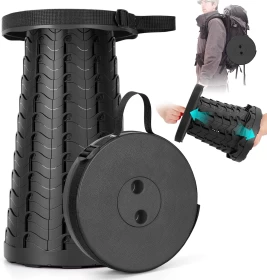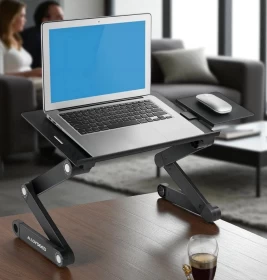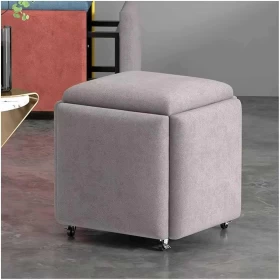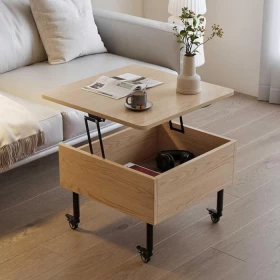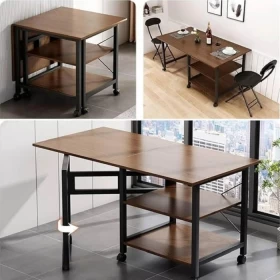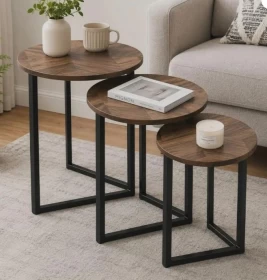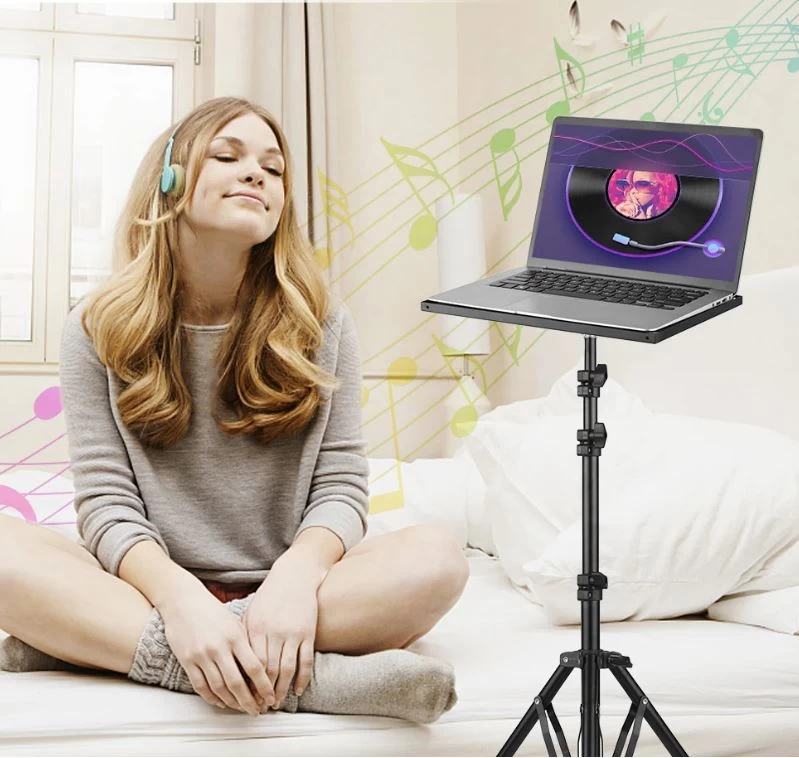
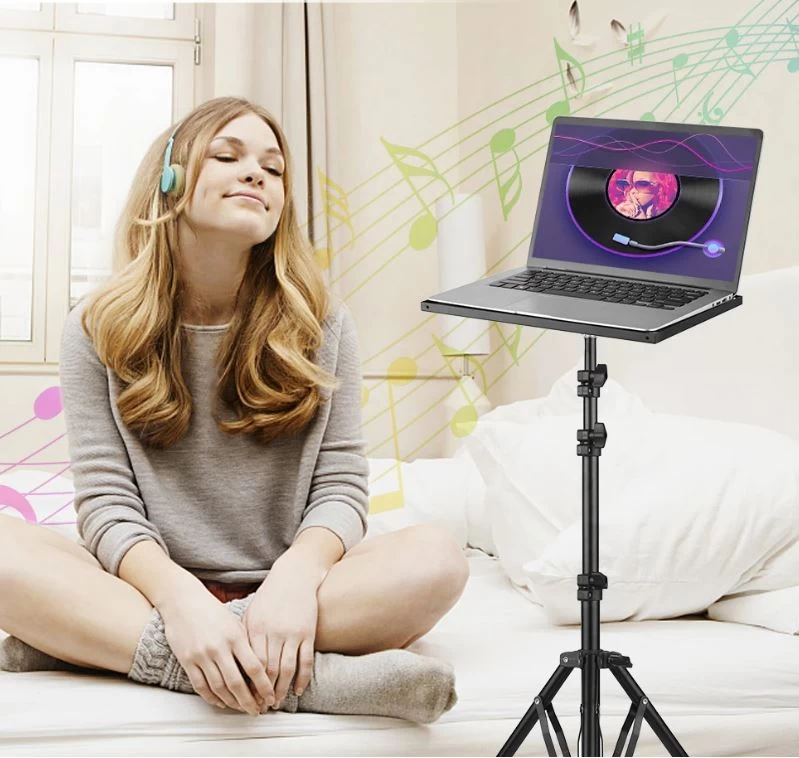
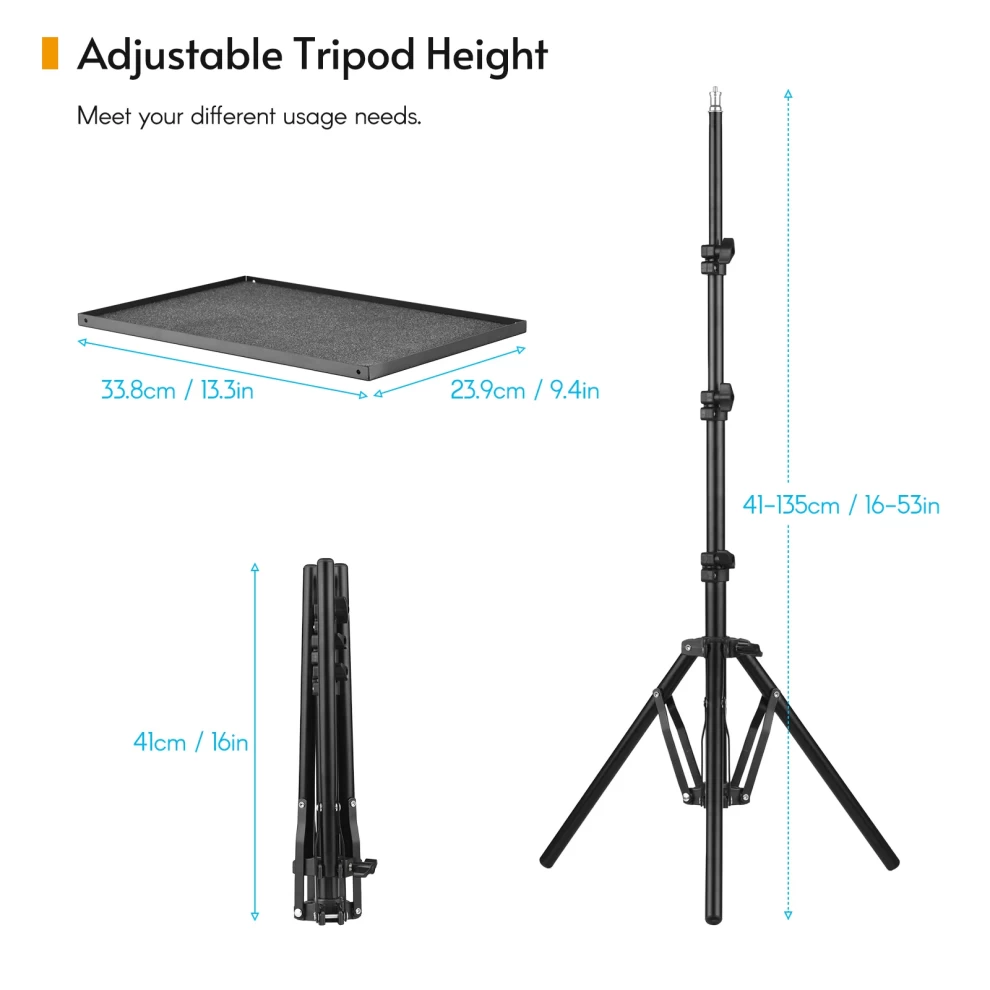
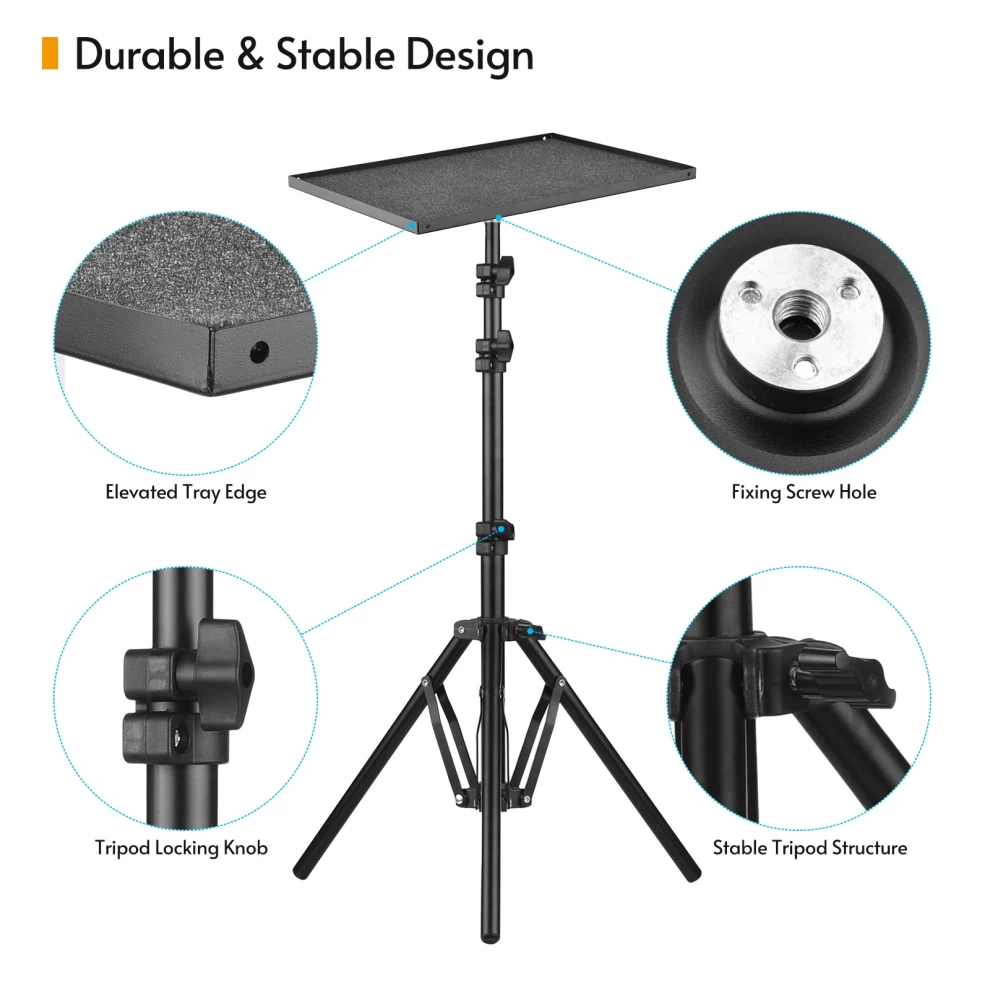
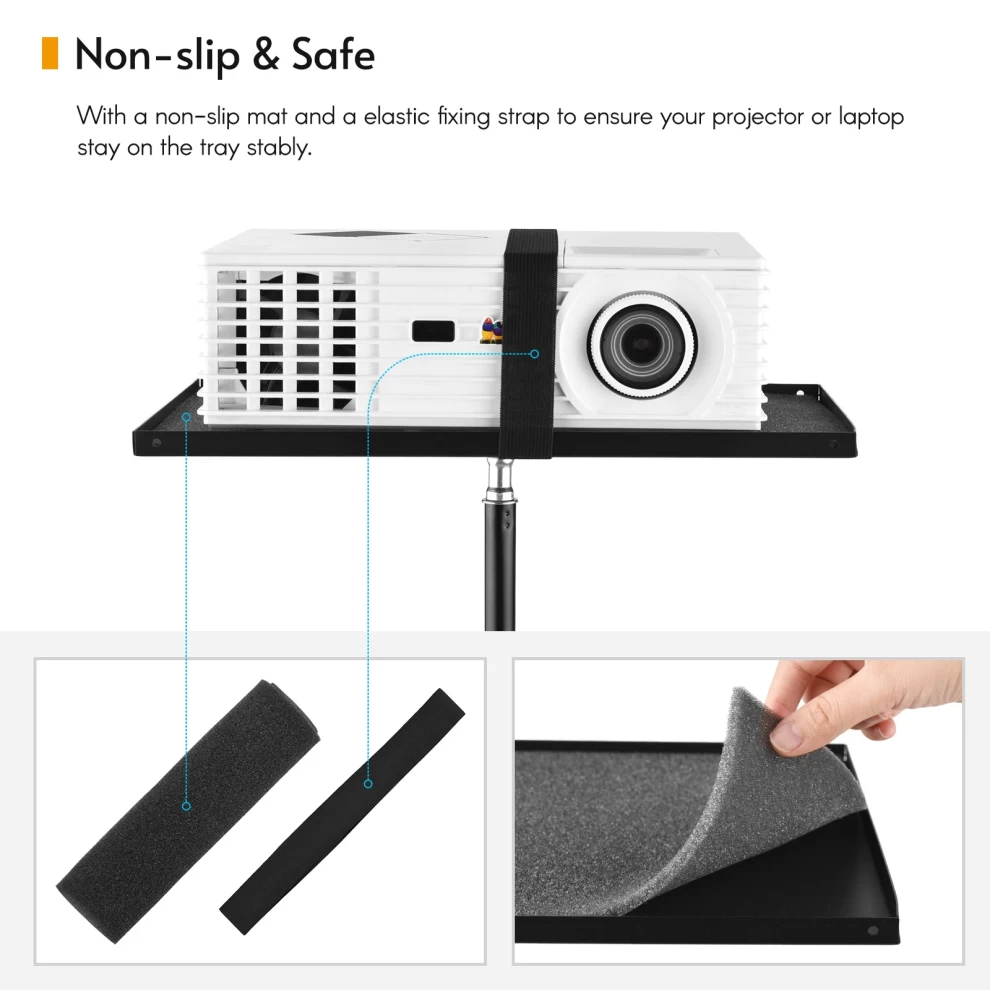
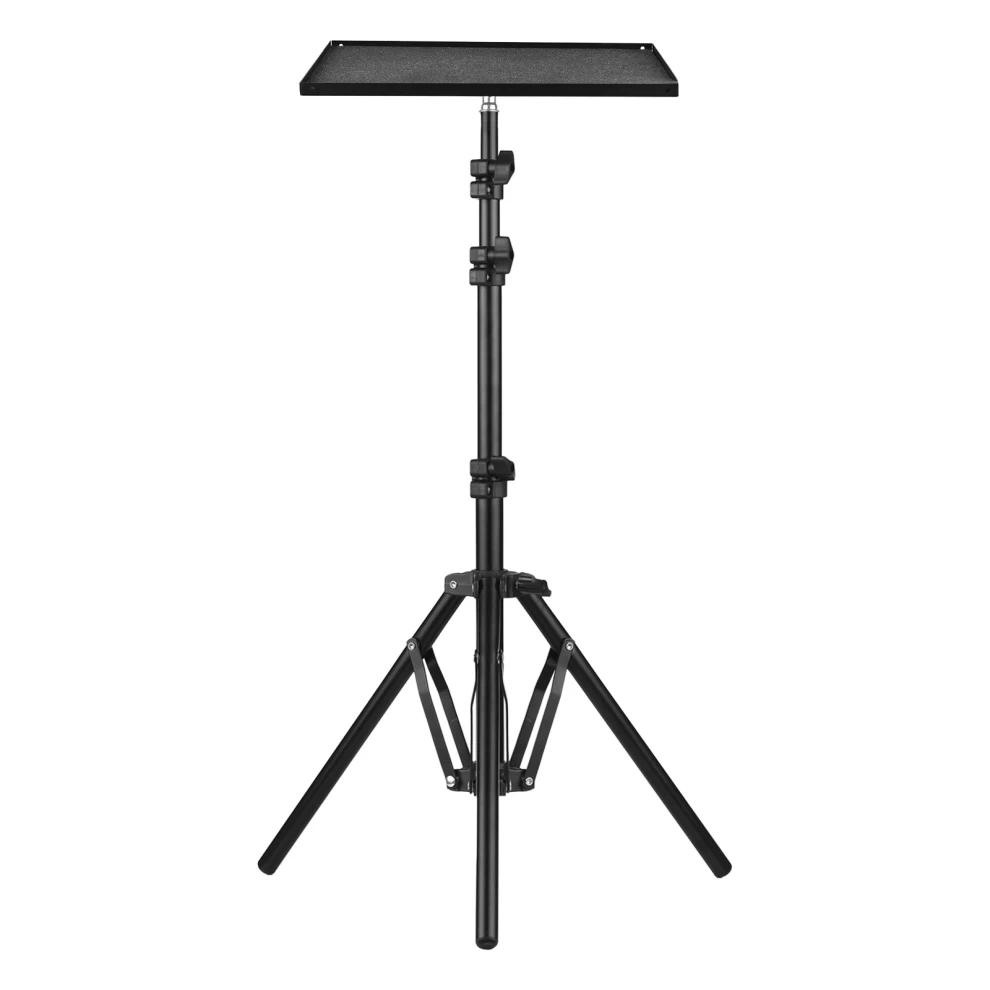
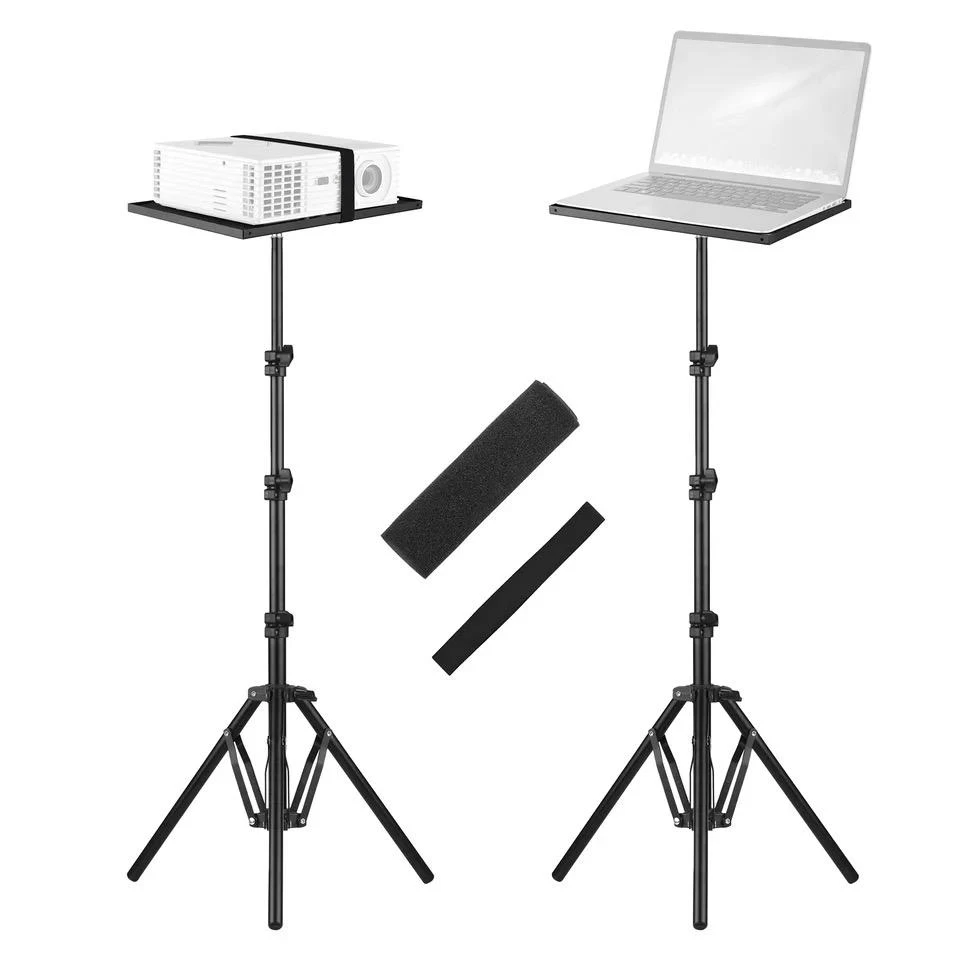
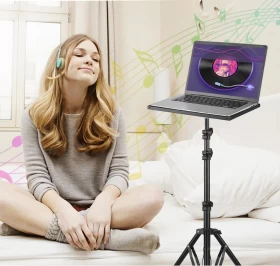
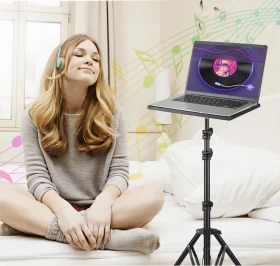
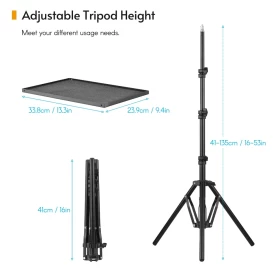
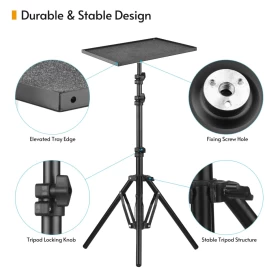
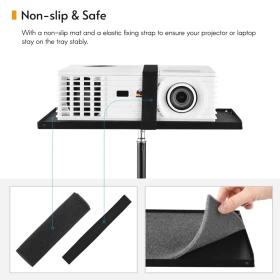
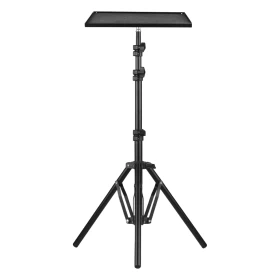
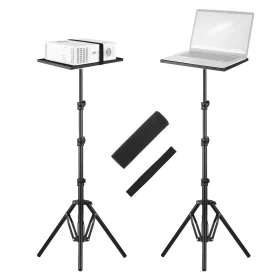




Improve your workspace and presentation setup with the Laptop Projector Tripod Stand, a practical and portable support solution designed for laptops, projectors, and other compatible devices. Its tripod-style design provides a stable platform while allowing convenient positioning and adjustment. Ideal for home offices, classrooms, presentations, studios, meetings, and entertainment setups.
💻 Multi-Purpose Stand – Suitable for laptops, projectors, and compatible equipment.
🦵 Tripod Support Design – Provides a stable and balanced platform.
📐 Adjustable Positioning – Allows convenient setup according to your needs.
🎒 Portable & Convenient – Easy to move and use in different locations.
🏠 Space Saving – Keeps your device elevated and organized.
🎬 Great for Presentations – Useful for projectors and presentation equipment.
💼 Ideal for Work & Study – Suitable for offices, classrooms, and home workspaces.
🛠️ Easy to Set Up – Simple design for convenient installation and use.
🏷️ Product Type: Laptop & Projector Tripod Stand
💻 Compatibility: Laptops, projectors, and compatible devices
🦵 Design: Tripod
📐 Position: Adjustable according to model
🎒 Portability: Portable
🏠 Recommended Use: Indoor / Portable
🎨 Design: Practical and compact
💻 Suitable for laptops and compatible devices within the stand's size and weight capacity.
📽️ Suitable for compatible projectors.
⚖️ Always check the device weight before placing it on the stand.
🔒 Ensure the stand is fully opened and securely positioned before use.
❌ Do not exceed the manufacturer's recommended load capacity.
💻 Laptop & Projector Tripod Stand
🔩 Adjustment / Mounting Components where applicable
📖 User Instructions where included
1️⃣ Unfold the tripod legs and place the stand on a flat surface.
2️⃣ Adjust the height or platform position as required.
3️⃣ Place your laptop or projector securely on the platform.
4️⃣ Check that the device is stable before use.
5️⃣ Adjust the position whenever needed for a comfortable viewing or presentation angle.
💻 Can it be used for a laptop?
✅ Yes, it is designed to support compatible laptops.
📽️ Can it hold a projector?
✅ Yes, it can be used with compatible projectors within its size and weight limits.
🎒 Is it portable?
✅ Yes, the tripod-style design makes it convenient to move and set up in different locations.
⚖️ Can I place heavy equipment on it?
⚠️ Only if the equipment is within the stand's recommended weight capacity.
💻 Home Offices
🏫 Classrooms
📽️ Presentations
🏢 Meetings
🎬 Home Entertainment
🎨 Studios
📚 Study Areas
🎮 Gaming & Media Setups
🔒 Always place the stand on a stable, level surface.
⚖️ Do not exceed the recommended weight capacity.
💻 Center the device on the platform for better stability.
🦵 Make sure all tripod legs are fully opened before use.
🚫 Avoid using the stand on unstable or slippery surfaces.
👶 Keep small components away from children.
The Laptop Projector Tripod Stand offers a practical and flexible way to elevate and position compatible devices. Its tripod structure makes it suitable for everyday work, presentations, studying, and entertainment.
🇰🇼 Kuwait: Fast delivery available.
🇸🇦 🇦🇪 🇶🇦 🇴🇲 🇧🇭 GCC: Shipping available across GCC countries.
📦 Secure packaging helps protect the product during delivery.
📐 Adjust the stand to eye level for a more comfortable viewing position.
💻 Keep ventilation areas of your laptop uncovered.
🔒 Check all adjustment points before placing your device.
🧹 Keep the platform clean and dry for better stability.