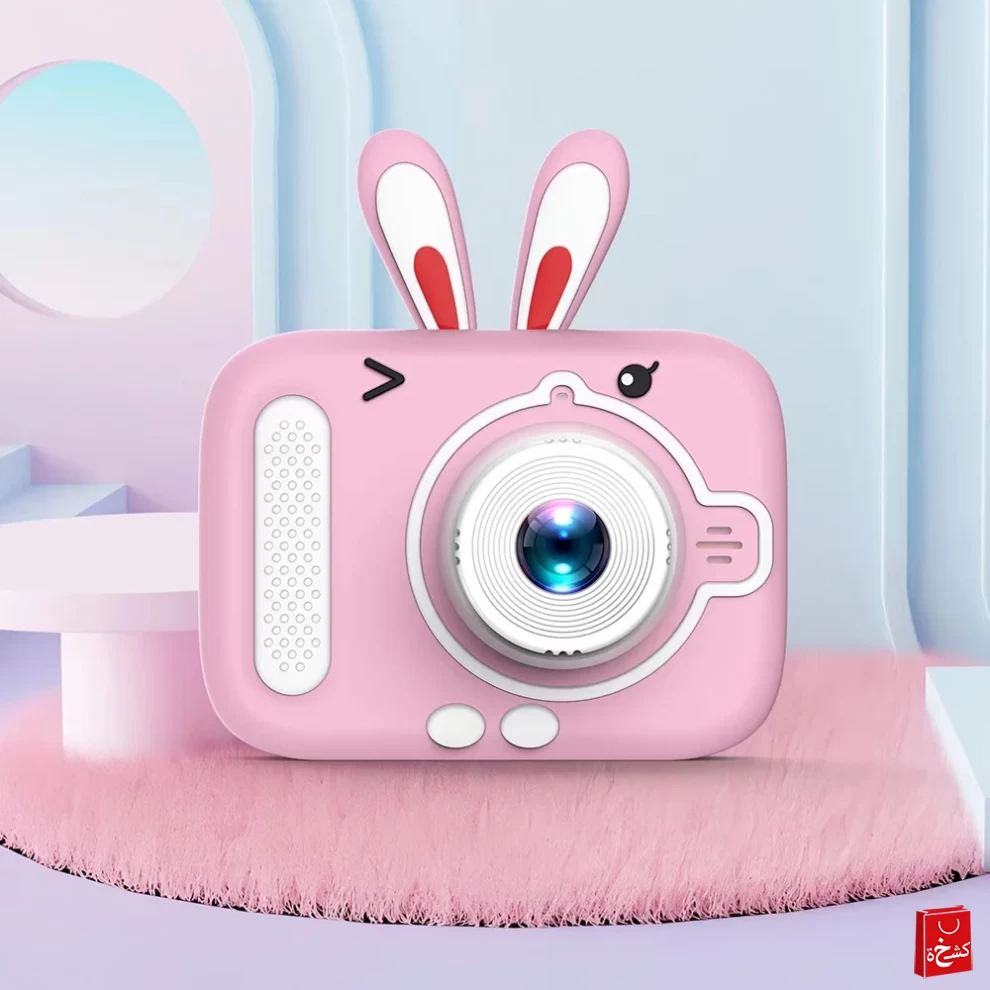
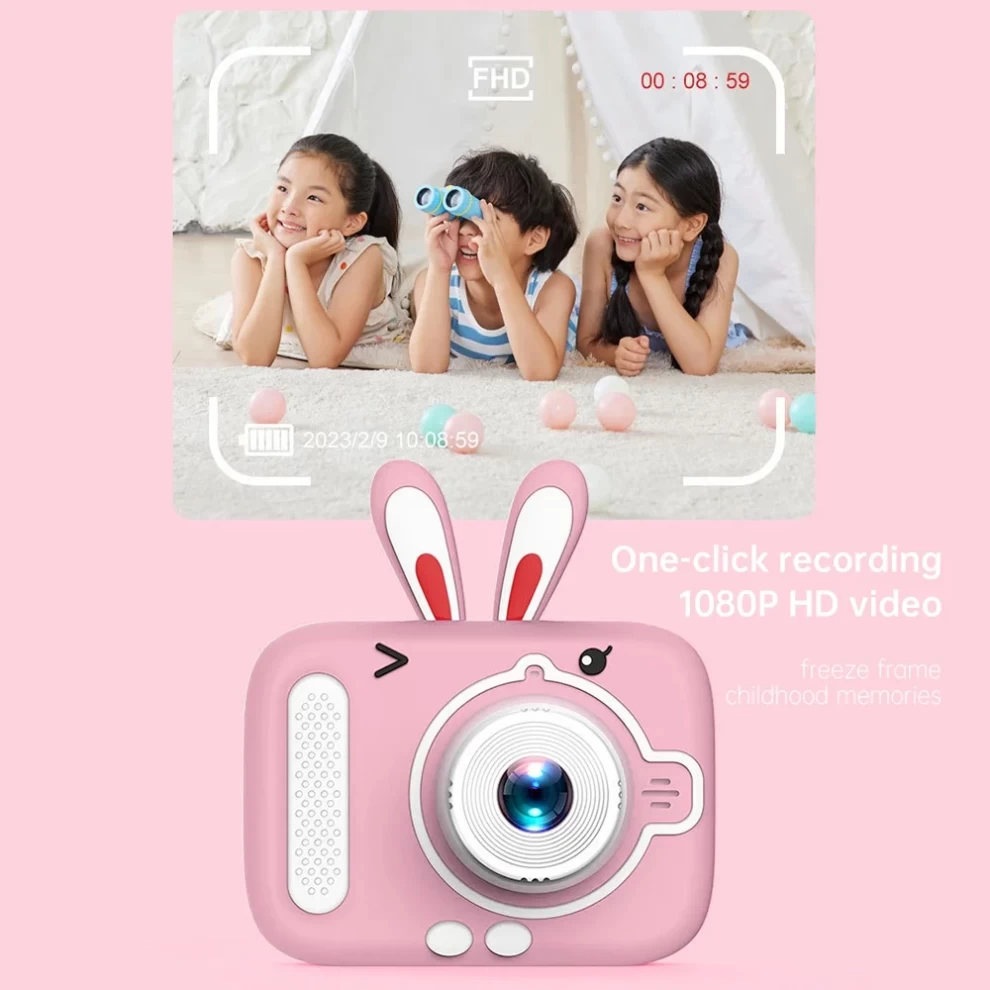
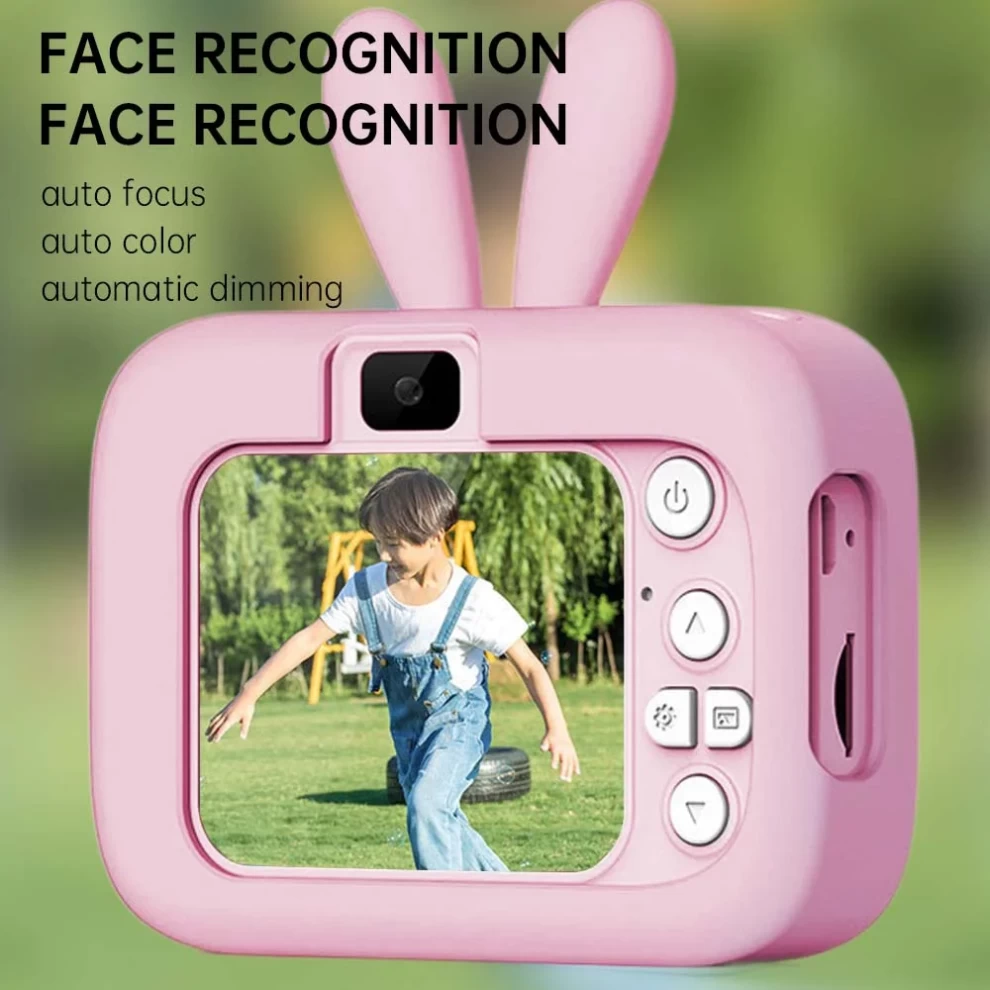
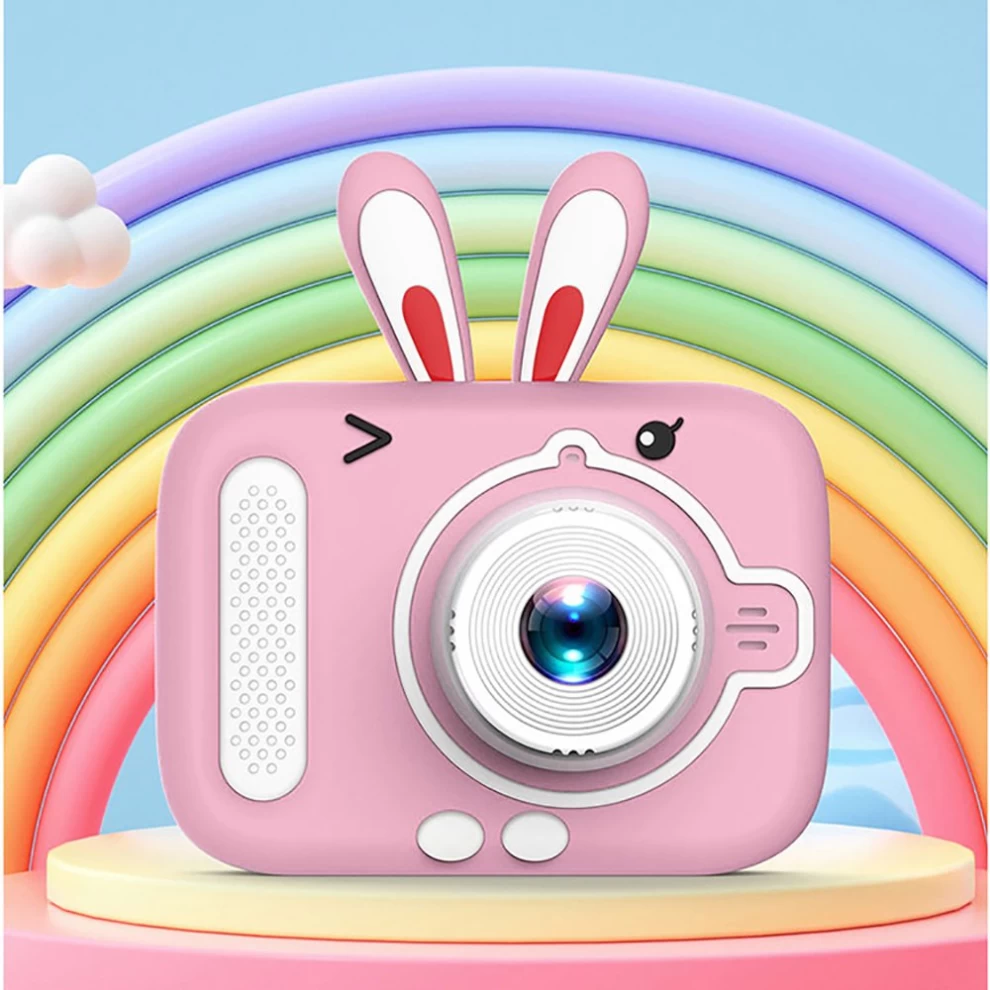
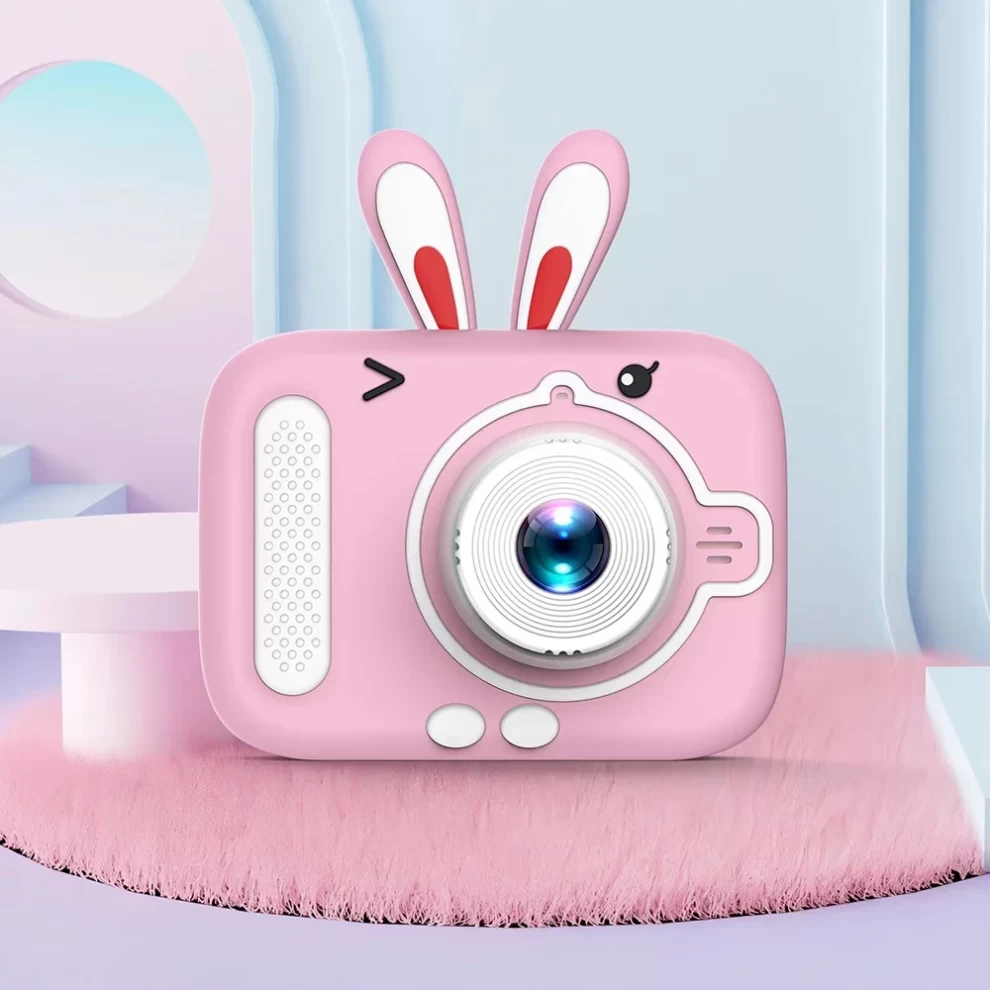
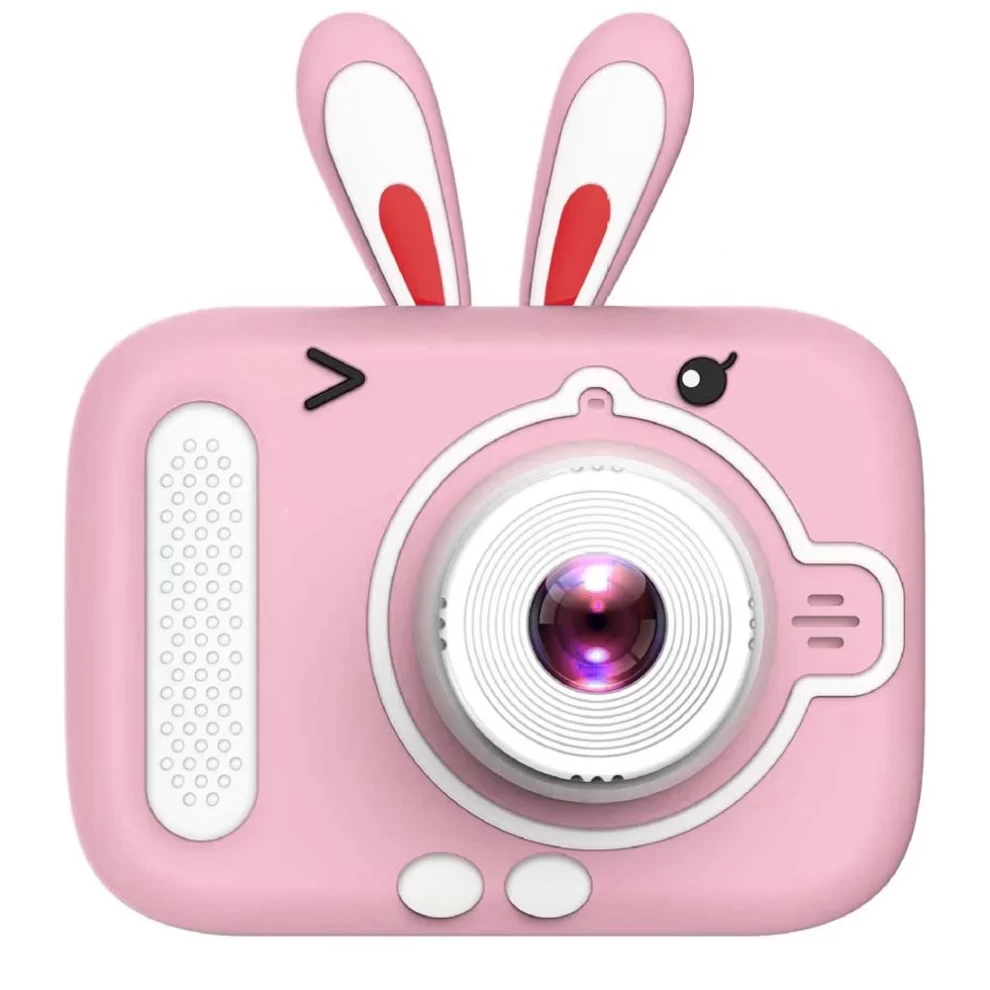
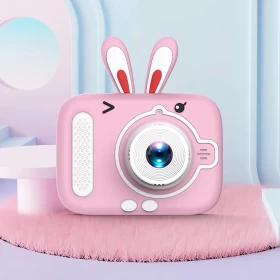
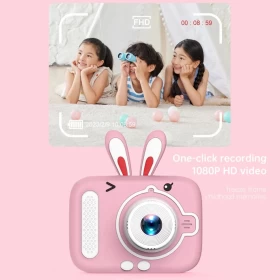
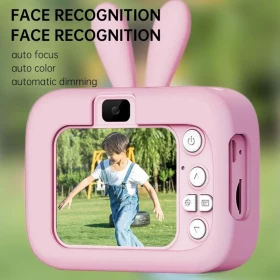
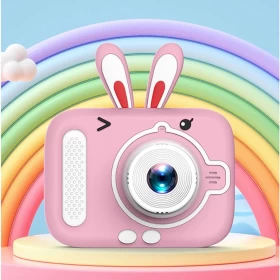
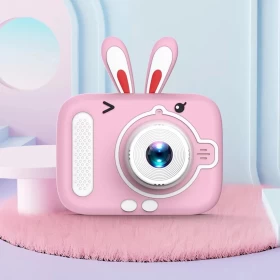
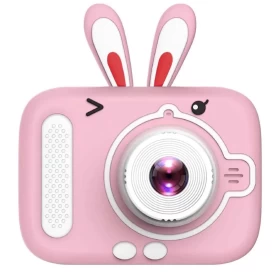




Give your child the gift of creativity with the Mouind X900 Kids Camera! 🎥📷 Designed for little photographers, this dual-camera device features a selfie mode, HD photo & video recording, and a durable, kid-friendly design. Perfect for birthdays, Christmas, and special occasions! 🎂🎄🎁
Let your kids explore their world through the lens and capture precious memories with ease! 🌍📸
✨ Features:
✅ Dual Camera Design – Front & Selfie Camera 📷🤳
✅ HD Photo & Video – Capture clear, high-quality images & videos 🎥📸
✅ Kid-Friendly & Durable – Shockproof & lightweight design 🏆🛡️
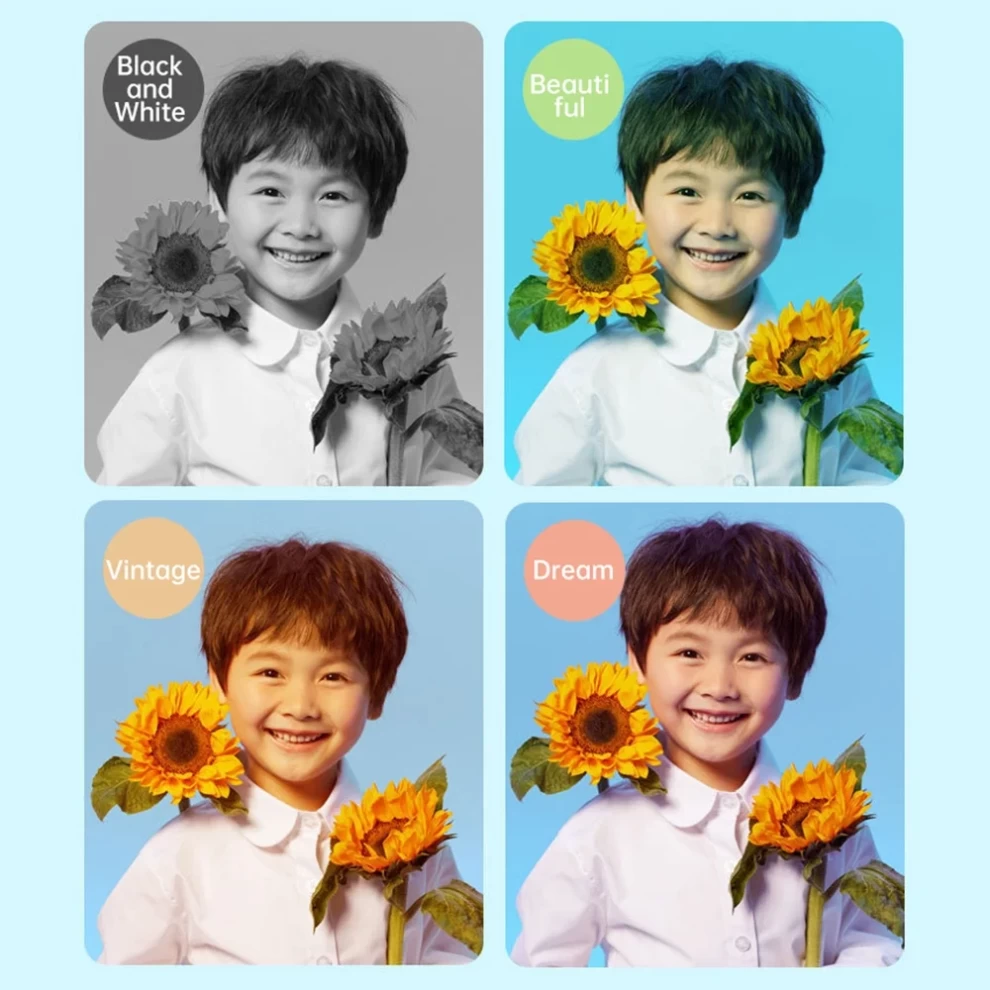
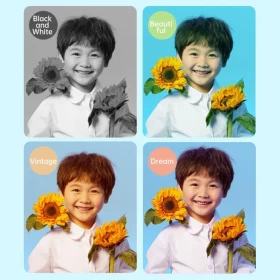
✅ Built-in Fun Filters & Frames – Add creativity to every shot 🎨🖼️
✅ Rechargeable Battery – Long-lasting fun with USB charging 🔋⚡
✅ Easy-to-Use Buttons – Simple controls for young kids 🏆🎮
✅ Expandable Storage – Supports SD card for more photos 🎞️💾
✅ Perfect Gift for Kids – Ideal for birthdays & holidays 🎁🎈
📏 Specifications:
📷 Camera Type: Dual Camera (Front & Selfie) 🤳📸
📺 Screen Size: 2-inch LCD Display 🖥️✨
🎥 Photo & Video Resolution: HD Quality 📸🎬
🔋 Battery: Rechargeable Lithium Battery 🔌🔋
🎨 Filters & Frames: Built-in Creative Effects 🎭🎨
💾 Storage: Expandable via SD Card (Not Included) 🎞️📂
⚡ Charging: USB Charging 🔌✅
🏆 Material: Shockproof, Safe for Kids 💪🛡️
🛠️ How to Use:
1️⃣ Turn On the Camera – Press the power button to start 📷🔄
2️⃣ Select Camera Mode – Switch between front & selfie cameras 🤳📸
3️⃣ Capture Photos & Videos – Press the shutter button to take pictures or record 🎥📸
4️⃣ Use Fun Filters & Frames – Add special effects to make photos exciting 🎨🖼️
5️⃣ View & Save – Check images on the LCD screen or transfer them via USB 💾📺
6️⃣ Recharge When Needed – Plug into a USB charger for extended use 🔋🔌
⚠️ Important Notice:
⚠️ SD Card Required – Expand storage for more pictures 🎞️💾
⚠️ Adult Supervision Recommended – Especially for younger kids 👶👨👩👧👦
⚠️ Avoid Water Exposure – Not waterproof! Keep it dry 💧🚫
⚠️ Charge Fully Before First Use – Ensure long-lasting playtime 🔋✅
⚠️ Clean with a Soft Cloth – Avoid scratches on the lens & screen 🧼📷